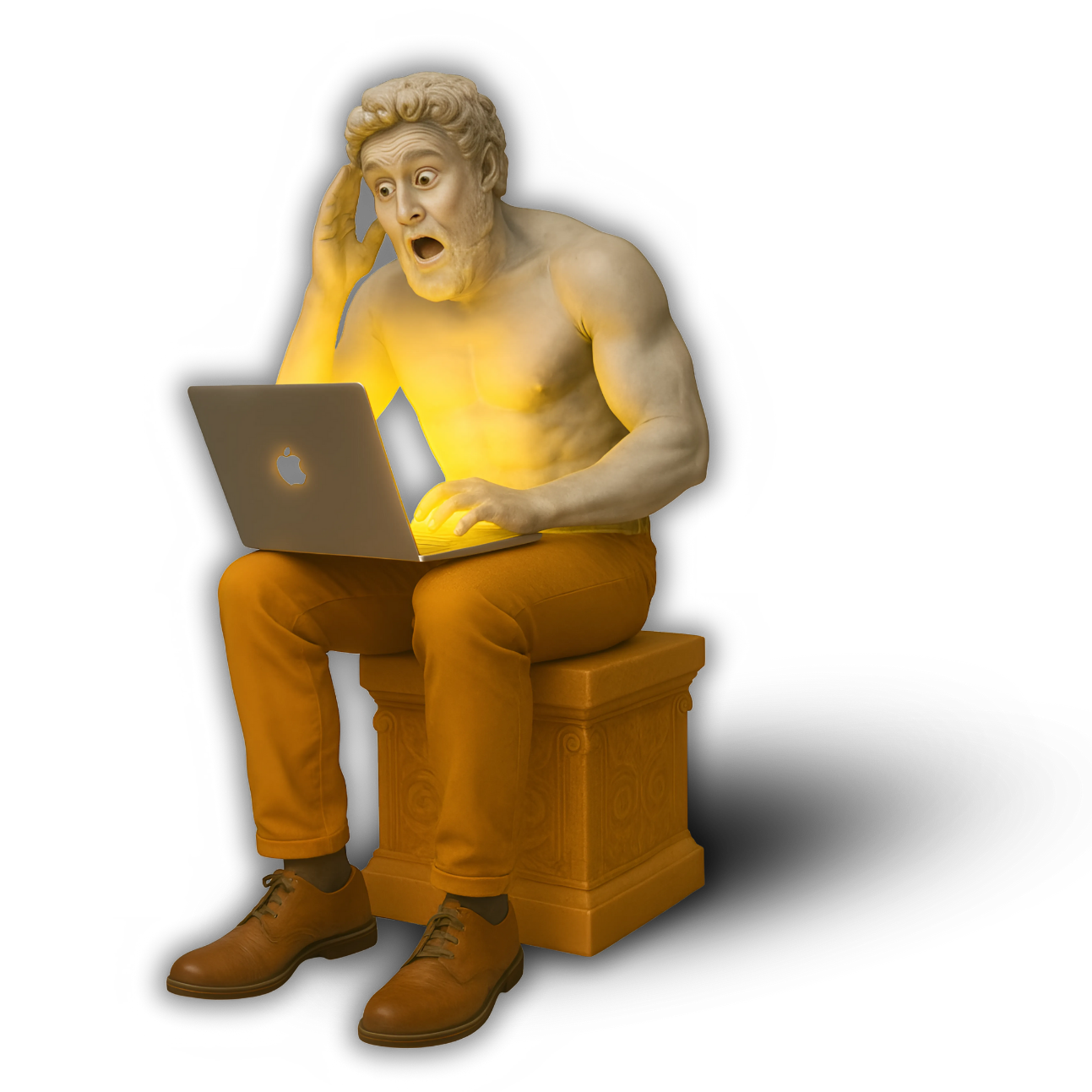

The best AI image generators
- ChatGPT (GPT-4o) for the best AI image generator overall
- Midjourney for artistic results
- Stable Diffusion XL professionals who need flexibility and cost control.
- Adobe Firefly for integrating AI-generated images into photos
- Canva AI for social media managers, small businesses, and entrepreneurs.
- Leonardo.AI for environments, characters, and props.
- BlueWillow AI for being beginner-friendly and cost-effective
- Runway ML Gen-3 for cinematic content, marketing visuals, and hybrid campaigns
- Fotor AI for speed and simplicity, making it a popular choice among e-commerce sellers, marketers, and small businesses
- Google Gemini 2.5 Flash Image (Nano Banana) for individual creators and enterprise-level workflows
- Ideogram for accurate text
The Visual AI Revolution in 2025
In 2025, AI image generators have gone from novelty to necessity. What once required stock photo subscriptions, expensive photoshoots, or professional illustrators can now be produced in seconds — at a fraction of the cost. From realistic portraits to surreal digital art, AI tools are giving creators and entrepreneurs unprecedented control over visual storytelling.
Why this matters:
- Creators can design thumbnails, digital art, and branded visuals without a graphic design degree.
- Entrepreneurs can generate product mockups, ad creatives, and social media graphics on demand.
- Agencies can scale campaigns for clients faster, with lower overhead.
This guide reviews the best AI image generators in 2025, helping you compare features, strengths, and pricing so you can choose the right tool for your needs.
Top 10 AI Image Generators in 2025
DALL·E 4 (OpenAI)

DALL·E has evolved into one of the most versatile text-to-image platforms, and its 2025 upgrade (DALL·E 4) makes it even more powerful. Integrated directly into ChatGPT, it allows users to move seamlessly from brainstorming prompts to generating professional-grade visuals. Features like inpainting and outpainting make editing as intuitive as describing what you want.
Best for: Marketers, entrepreneurs, and creators who need versatile, high-quality visuals fast.
Pros:
- Seamless integration with ChatGPT for end-to-end workflows.
- Inpainting/outpainting for easy edits and image expansion.
- High consistency and commercial-use licensing.
Cons:
- Requires an OpenAI Plus plan for advanced access.
- Less stylistic range compared to MidJourney.
Pricing: Included in ChatGPT Plus ($20/month) with image credits; additional credits available.
MidJourney v6+
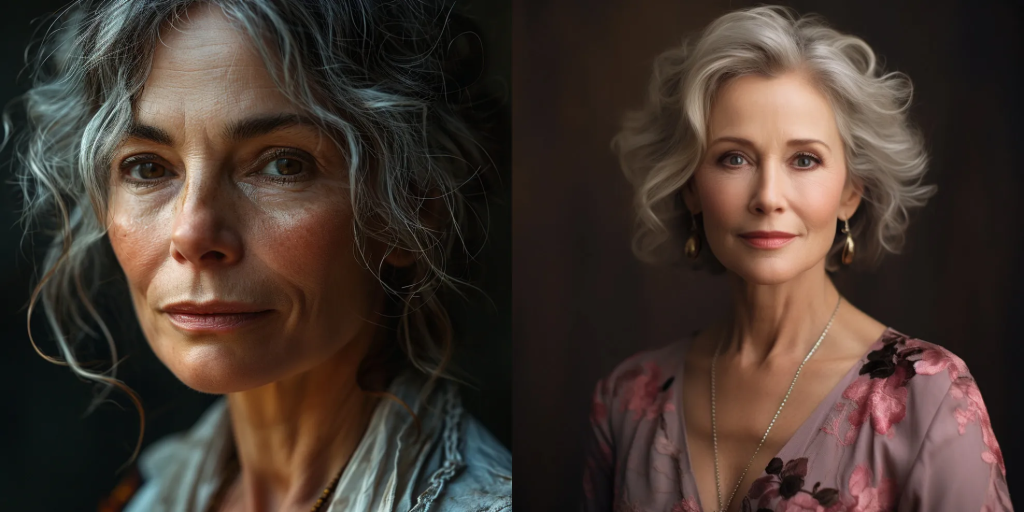
When it comes to artistry and aesthetics, MidJourney v6+ remains unmatched in 2025. Built around a highly community-driven ecosystem, it’s the go-to platform for anyone seeking visually striking, cinematic, or highly stylized images. Instead of aiming for versatility like DALL·E 4, MidJourney specializes in producing artwork that feels hand-crafted — often indistinguishable from professional concept art or high-end photography.
The platform runs primarily through Discord, where users share prompts, results, and inspiration, creating a thriving hub of experimentation. For designers, illustrators, and creators looking to push visual creativity, MidJourney v6+ continues to set the bar.
Best for: Artists, designers, and content creators who want high-end, visually stunning images with unique flair.
Pros:
- Unparalleled quality in aesthetics and style diversity.
- Ideal for cinematic concept art, portraits, and surreal visuals.
- Strong community that fuels innovation and inspiration.
- Frequent updates with improved realism and detail.
Cons:
- Requires Discord, which can feel unintuitive for newcomers.
- Limited commercial rights unless on higher-tier plans.
- Less suited for quick, utility-driven business graphics.
Pricing: Subscription plans range from $10/month (basic) to $60/month (pro), depending on speed, priority rendering, and usage volume.
Stable Diffusion XL (SDXL)
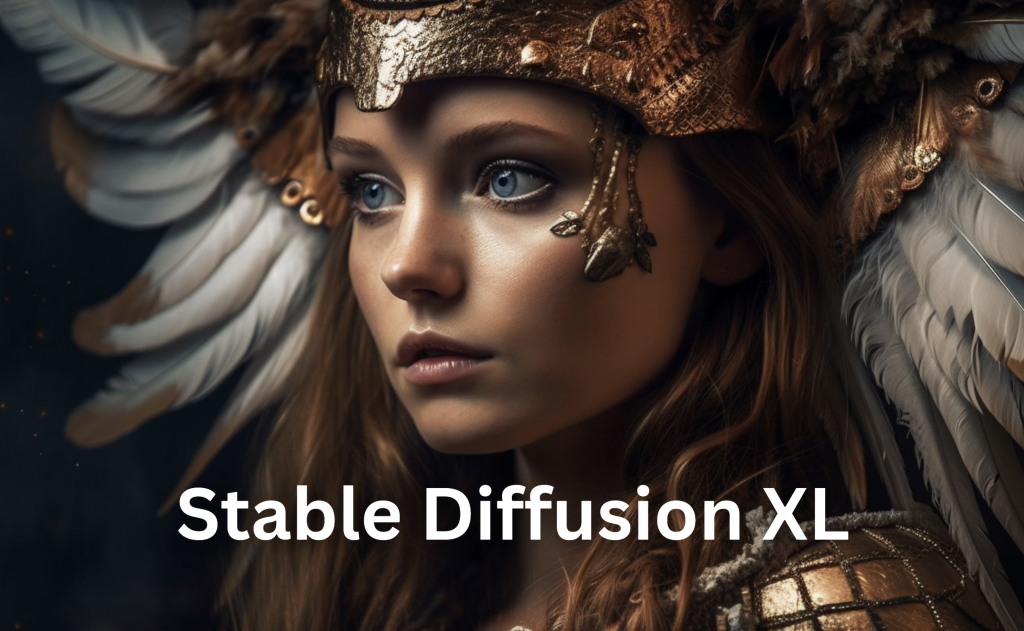
Stable Diffusion XL (SDXL) is the most powerful open-source image generation model in 2025. Unlike closed systems such as DALL·E 4 or MidJourney, SDXL gives creators full control — from fine-tuning models to running custom workflows locally or via cloud services.
Its open nature has spawned a massive community of developers who build specialized checkpoints for anime, realism, concept art, 3D renders, and even logos. Paired with tools like ComfyUI or Automatic1111, SDXL becomes a highly customizable engine for professionals who need flexibility and cost control.
Best for: Developers, advanced creators, and agencies that want total creative freedom with scalable costs.
Pros:
- Fully open-source and highly customizable.
- Huge library of community-trained models and extensions.
- Capable of photorealism, stylization, and niche aesthetics.
- Can be self-hosted for cost savings and privacy.
Cons:
- Steeper learning curve than plug-and-play tools.
- Requires GPU access (local or cloud) for optimal performance.
- Less beginner-friendly compared to Canva or Firefly.
Pricing:
Paid options via Stability.ai and cloud services, starting at around $9/month.
Free for self-hosting (open-source).
Adobe Firefly 2
Adobe Firefly 2 represents Adobe’s latest leap into generative AI, and it’s deeply integrated across the Creative Cloud ecosystem — from Photoshop to Illustrator to Express. Unlike many competitors, Firefly is trained on licensed, high-quality datasets, which means the outputs are safe for commercial use — a critical advantage for businesses and brands concerned about copyright.
Firefly 2 excels in text-to-image generation, style transfer, and smart editing tools. Within Photoshop, for example, you can select a portion of an image and describe the change you want (add, remove, replace), and Firefly handles it with precision. For marketers, it can generate ad creatives, social media assets, and product mockups in seconds, all within Adobe’s familiar interface.
Best for: Brands, agencies, and professional designers who want commercially safe AI images integrated with Adobe’s design tools.
Pros:
- Fully licensed and commercially safe outputs.
- Seamless integration with Photoshop, Illustrator, Express.
- Smart editing tools (generative fill, style transfer).
- Enterprise-ready with strong reliability.
Cons:
- Locked behind Adobe Creative Cloud subscriptions.
- Less experimental/artistic variety compared to MidJourney.
- Heavier system requirements for advanced workflows.
Pricing: Included with Adobe Creative Cloud plans, starting around $20.99/month for individual apps or bundled in full suites.
Canva AI
Canva AI Image Suite brings generative AI directly into one of the world’s most popular design platforms. Instead of switching between tools, creators can generate images, graphics, and illustrations right inside Canva’s drag-and-drop editor — making it a favorite for social media managers, small businesses, and entrepreneurs.
What sets Canva apart is its ease of use. You don’t need to master prompts like in MidJourney or configure models like SDXL. Simply type what you need (“a minimalist flat lay of skincare products on a marble background”) and Canva creates it instantly, ready to be placed into a presentation, Instagram post, or ad design.
Best for: Small businesses, social media creators, and marketers who need fast, polished visuals without a steep learning curve.
Pros:
- Beginner-friendly and highly accessible.
- Integrated into Canva’s massive template library.
- Supports team collaboration and brand kits.
- Fast turnaround for social and marketing assets.
Cons:
- Less control over advanced aesthetics or fine details.
- Image quality not as refined as MidJourney or Firefly.
- Commercial rights depend on Canva Pro plan.
Pricing: Free plan available with basic AI tools; Canva Pro starts at $12.99/month.
Leonardo.AI
Leonardo.AI has quickly become a favorite among game developers, concept artists, and 3D creators thanks to its ability to generate detailed assets and stylized artwork. Unlike more general-purpose tools, Leonardo focuses on gaming and creative production, offering features tailored for environments, characters, and props.
The platform also supports model training, allowing creators to fine-tune the AI on their own datasets. This makes it especially powerful for indie studios that want a consistent visual identity across multiple assets. Combined with its slick interface and community-driven approach, Leonardo.AI is carving out a strong niche.
Best for: Game developers, concept artists, and creators who need high-quality, stylized assets for immersive worlds.
Pros:
- Excellent for game assets and concept art.
- Supports fine-tuning with custom datasets.
- Rich stylistic variety (fantasy, sci-fi, 3D-like renders).
- Strong community and resource sharing.
Cons:
- Still growing compared to giants like MidJourney.
- Not as versatile for business/marketing visuals.
- Can require more credits for complex renders.
Pricing: Free tier with limited daily credits; paid plans start at $10/month for extended usage.
BlueWillow AI
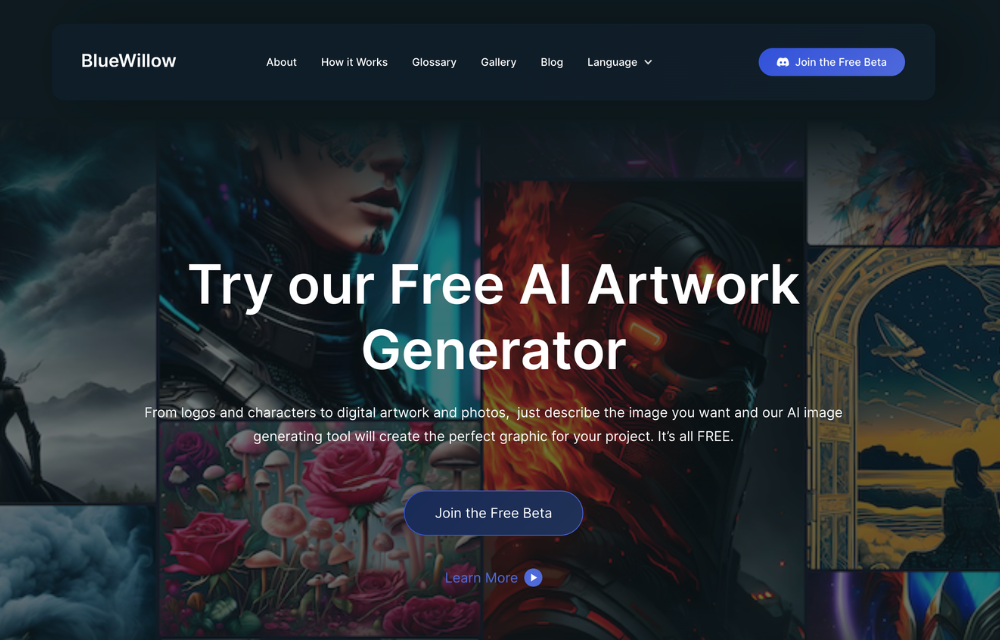
BlueWillow AI is a community-driven image generator that positions itself as a free and accessible alternative to MidJourney. Like MidJourney, it operates primarily through Discord, where users can enter prompts and receive AI-generated artwork in seconds.
While BlueWillow doesn’t yet match the artistic polish of MidJourney or the versatility of DALL·E 4, it has built a strong reputation for being beginner-friendly and cost-effective. For hobbyists, casual creators, or anyone experimenting with AI visuals for the first time, BlueWillow provides a no-barrier entry point.
Best for: Hobbyists, casual creators, and those looking for a free AI image generator with a supportive community.
Pros:
- Free to use with community access.
- Simple prompt-based workflow.
- Active Discord community for sharing and inspiration.
- Good range of styles for experimentation.
Cons:
- Less refined output compared to premium tools.
- Limited features for professional or commercial projects.
- Dependent on Discord (not a standalone app).
Pricing: Free community access; premium plans may be introduced in the future.
Runway ML Gen-3 (Images & Video)
Runway ML Gen-3 is best known as a video generation model, but it also delivers powerful still-image capabilities. Unlike traditional image generators, Runway’s strength lies in multimodal workflows — letting creators design both static visuals and dynamic sequences from the same platform.
For creators and agencies, this makes Runway a one-stop shop for cinematic content, marketing visuals, and hybrid campaigns. With Gen-3, you can start with an AI-generated still image, expand it into a short video, or refine it into different formats for ads and social media.
Best for: Multimedia creators, agencies, and entrepreneurs who want both AI video and image generation in a single tool.
Pros:
- Hybrid capabilities (image + video generation).
- High-quality cinematic output.
- Good for storytelling, campaigns, and creative ads.
- Intuitive interface for editing and exporting.
Cons:
- More expensive at scale compared to pure image tools.
- Focus is still primarily on video, not static art.
- Requires strong hardware or credits for faster rendering.
Pricing: Free trial with limited credits; paid plans start from $12/month.
Fotor AI
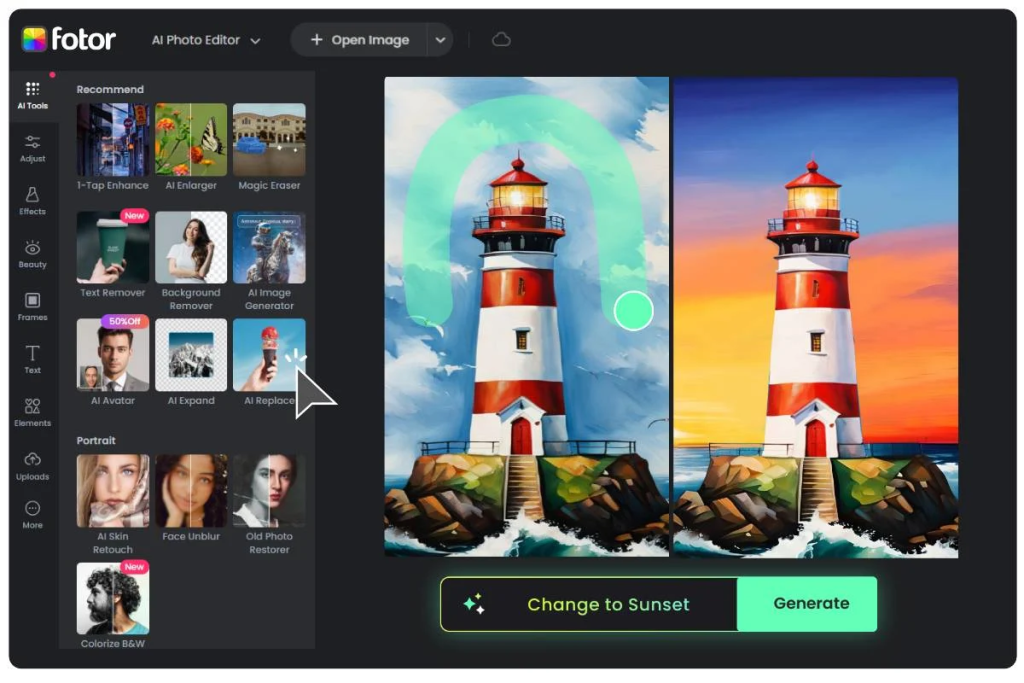
Fotor AI is designed for speed and simplicity, making it a popular choice among e-commerce sellers, marketers, and small businesses. The platform combines AI-powered image generation with editing tools, so you can quickly produce product mockups, ad creatives, and social graphics without needing advanced design skills.
It’s particularly strong for those who want ready-to-use marketing visuals — from polished Instagram posts to banner ads — without diving into prompt engineering. While it may not deliver the artistic depth of MidJourney or the customization of SDXL, Fotor AI wins in accessibility and efficiency.
Best for: E-commerce sellers, entrepreneurs, and small business owners who need quick visuals for marketing and online stores.
Pros:
- Fast and user-friendly interface.
- Tailored tools for e-commerce and social media graphics.
- Built-in photo editing alongside AI generation.
- Affordable pricing for small businesses.
Cons:
- Limited artistic flexibility compared to high-end tools.
- Not ideal for advanced designers or concept art.
- Quality can vary with complex prompts.
Pricing: Free plan available with basic features; Pro starts at $8.99/month.
Google Gemini 2.5 Flash Image (Nano Banana)
Google’s latest and most advanced image model, nicknamed Nano Banana, powers Gemini 2.5 Flash Image — introduced in August 2025. Unlike many generators that focus only on creation, Nano Banana excels in editing, consistency, and transparency, making it one of the most enterprise-ready tools in the market.
The standout feature is its ability to handle natural language edits: you can simply describe what you want changed (e.g., “make the background sunset orange” or “swap the suit for a leather jacket”) without needing manual masks. It also supports multi-image fusion, blending multiple inputs into a new composite, while maintaining consistent characters or identities across edits.
Google integrates this model into the Gemini app, Google AI Studio, and Vertex AI, so it’s available both for individual creators and enterprise-level workflows. Every image also comes with a SynthID watermark (visible + invisible), ensuring authenticity in an era of deepfake concerns.
Best for: Enterprises, agencies, and creators who need reliable, editable, and transparent AI imagery at scale.
Pros:
- Natural language editing (no masking needed).
- Maintains character identity across multiple edits.
- Multi-image blending and fusion capabilities.
- Built-in SynthID watermarking for authenticity.
- Enterprise integration via Gemini API & Vertex AI.
Cons:
- More powerful at editing than at generating from scratch.
- Complex prompts may still yield inconsistent results.
- Paid API usage can become costly for heavy users.
Pricing: $30 per 1M tokens (≈1290 tokens per image). Available via Gemini API, AI Studio, and Vertex AI.
Ideogram AI
Ideogram is one of the few AI image generators that has solved a problem most competitors still struggle with: accurate, legible text inside images. While tools like MidJourney or DALL·E excel at visuals, they often fail at embedding clean typography. Ideogram, by contrast, is built specifically for posters, memes, ads, and merchandise mockups where text clarity matters.
Since its launch in 2023, Ideogram has grown steadily, and by 2025 it’s become the go-to tool for marketers and creators who want visuals that combine graphics + text seamlessly.
Best for: Marketers, social creators, and entrepreneurs who need AI visuals with embedded text or branded typography.
Pros:
- Excellent at typography + text rendering inside images.
- Great for posters, ads, memes, and branded merchandise.
- Easy to use with simple prompts.
- Fast results with stylistic variety.
Cons:
- Narrower focus than MidJourney or SDXL.
- Not ideal for advanced concept art or pure digital painting.
- Commercial rights depend on plan level.
Pricing: Free tier available; paid plans start around $7.99/month with higher credits and advanced features.
Quick Comparison Table
| Tool | Best For | Pros | Cons | Pricing |
|---|---|---|---|---|
| DALL·E 4 (OpenAI) | Versatile marketing visuals | Seamless in ChatGPT, inpainting/outpainting | Less artistic than MidJourney | $20/mo (ChatGPT Plus) |
| MidJourney v6+ | Artistic, cinematic content | Unmatched style & detail | Requires Discord, licensing limits | $10–$60/mo |
| Stable Diffusion XL (SDXL) | Developers & power users | Open-source, customizable | Steeper learning curve | Free / from $9+ |
| Adobe Firefly 2 | Commercial & enterprise design | Licensed dataset, integrated in CC | Requires Adobe subscription | $20+/mo (CC plans) |
| Canva AI Image Suite | Social media & small biz | Beginner-friendly, template library | Limited fine control | Free / $12.99 Pro |
| Leonardo.AI | Game dev & concept art | Stylized 3D-like assets, fine-tuning | Narrower focus, credits needed | Free / from $10+ |
| BlueWillow AI | Hobbyists & free users | Free, community-driven | Less refined, Discord-only | Free |
| Runway ML Gen-3 | Hybrid image + video | Cinematic visuals, multimodal | Pricey at scale, video-first | From $12/mo |
| Fotor AI | E-commerce & ads | Quick, easy, built-in editing | Less artistic flexibility | Free / $8.99+ |
| NightCafe Studio | Hobby creators | Multi-models, credit system | Pay-per-credits, less pro-level | Free / $7.99+ |
| Google Nano Banana (Gemini 2.5 Flash Image) | Enterprise editing & consistency | Natural edits, SynthID watermark | Better at editing than gen | $30 per 1M tokens |
| Ideogram AI | Text + image graphics | Accurate typography, fast | Limited styles, niche use | Free / $7.99+ |
Conclusion
AI image generators in 2025 are no longer experimental toys — they’re core creative tools for artists, entrepreneurs, marketers, and agencies. From the artistic mastery of MidJourney v6+, to the open-source freedom of Stable Diffusion XL, to enterprise-ready innovation with Google’s Nano Banana (Gemini 2.5 Flash Image), each platform brings unique strengths.
The takeaway: choose based on your goal.
- Need cinematic art? → MidJourney.
- Need licensed business-safe visuals? → Adobe Firefly 2.
- Need fast, social-ready graphics? → Canva or Fotor.
- Need cutting-edge editing & enterprise trust? → Google Nano Banana.
These tools aren’t here to replace creativity — they’re here to multiply it. The smart move in 2025 is to experiment with free trials, refine your workflow, and let AI handle the heavy lifting so you can focus on ideas, storytelling, and strategy.
FAQ
Are AI-generated images copyright-free in 2025?
Not always. Some models (like Adobe Firefly 2) train only on licensed data, making outputs commercially safe. Others, like MidJourney or SDXL, require careful review of licensing terms. Always check before commercial use.
Which AI image generator is best for realistic portraits?
MidJourney v6+ and DALL·E 4 are the strongest for lifelike, detailed portrait work.
Can AI tools replace stock photography?
For many businesses, yes. AI-generated visuals can replace stock photos in ads, product mockups, and marketing content. However, stock libraries may still be useful for verified, real-world imagery.
What’s the cheapest AI image generator with commercial rights?
Stable Diffusion XL (SDXL) offers free self-hosting and open-source options, making it the most cost-effective for businesses that want full control.
Do AI image tools work for logos and branding?
Yes — tools like Canva AI and Adobe Firefly are especially effective for logos, branded content, and marketing assets. But for final polish, a human designer is still recommended.
What is Google’s Nano Banana model?
It’s the codename for Gemini 2.5 Flash Image, Google’s newest image model. It specializes in natural language editing, consistency, and watermarking, making it one of the most advanced and trustworthy tools in 2025.